
Introduction to Lenovo Chromebook IdeaPad Slim 3
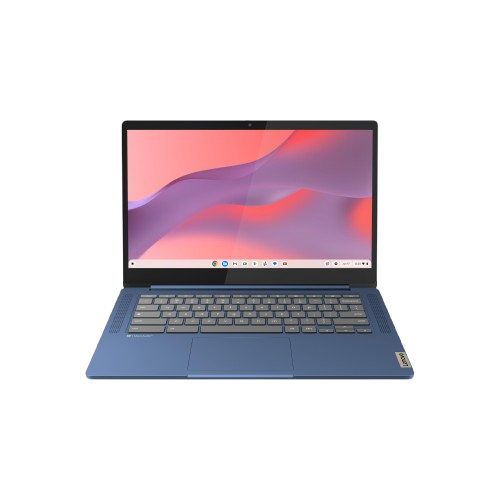
The Lenovo Chromebook IdeaPad Slim 3 has quickly become one of the most talked-about Chromebooks of 2025. With the rising demand for lightweight, affordable, and student-friendly laptops, Lenovo has positioned the Slim 3 as a direct competitor to Acer, HP, and Dell Chromebooks in the same budget range. What sets it apart is its sleek design, long battery life, and smooth ChromeOS experience, all packed into an affordable device.
If you’re looking for a budget laptop for school, work, or casual browsing, this Chromebook might just be your perfect match. In this review, we’ll break down its specs, performance, design, and compare it with competitors to see if it’s worth your money.
Key Specifications at a Glance
Before diving deeper, let’s quickly look at the spec sheet for the Lenovo Chromebook IdeaPad Slim 3:
| Feature | Specification |
| Display | 14-inch Full HD (1920×1080) Anti-Glare |
| Processor | Intel Celeron N4020 / MediaTek Kompanio 520 (depending on model) |
| RAM | 4GB or 8GB LPDDR4X |
| Storage | 64GB eMMC / 128GB SSD |
| Battery Life | Up to 12 hours |
| Weight | ~1.3 kg |
| Operating System | ChromeOS |
| Connectivity | Wi-Fi 6, Bluetooth 5.1, USB-C, USB-A, headphone jack |
This combination of features makes it a reliable everyday laptop for students, professionals, and casual users.
Processor and Performance
At its core, the Slim 3 uses either Intel Celeron N4020 or MediaTek Kompanio 520 processors. While these are not powerhouse chips, they are optimized for ChromeOS—which means tasks like web browsing, video streaming, and document editing run seamlessly.
For multitasking, the 8GB RAM variant is a better option, as it allows smoother switching between tabs and apps. The 4GB version works fine for basic tasks but may feel sluggish with heavy multitasking.
Display and Visual Experience
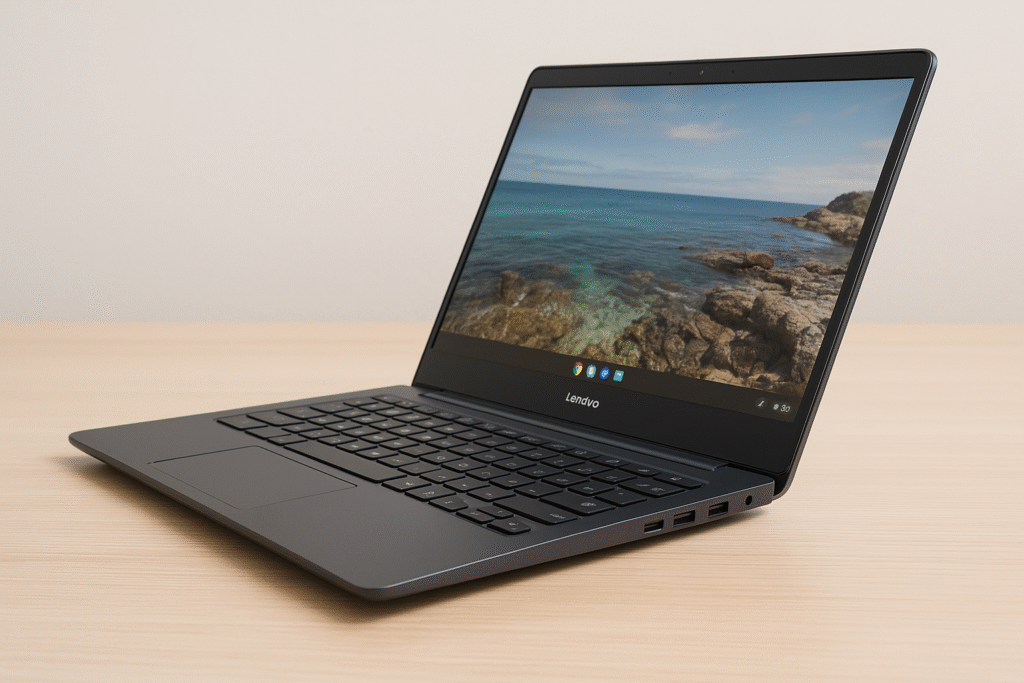
The 14-inch Full HD display is one of the highlights of this Chromebook. Unlike many budget laptops that cut corners with 720p screens, the Slim 3 offers 1920×1080 resolution with anti-glare coating. This makes it suitable for working outdoors, reading documents for long hours, and binge-watching Netflix or YouTube in crisp detail.
Colors are vibrant but not as sharp as high-end laptops. Still, for its price range, the display quality is above average.
Storage and Memory
Chromebooks generally focus on cloud storage, and the Slim 3 is no exception. With 64GB to 128GB internal storage, you won’t be storing massive files locally. But since it integrates seamlessly with Google Drive, your documents, photos, and videos can be stored online without eating up local space.
RAM options are 4GB or 8GB, with the latter being a better investment if you want smooth multitasking.
Battery Life and Charging
Battery life is one of the strongest selling points. Lenovo claims up to 12 hours, and real-world usage shows around 10–11 hours of mixed use. That’s more than enough for a full school or workday.
It also supports USB-C fast charging, which means you can charge it quickly and even use your phone’s charger if it’s USB-C compatible.
Design and Build Quality
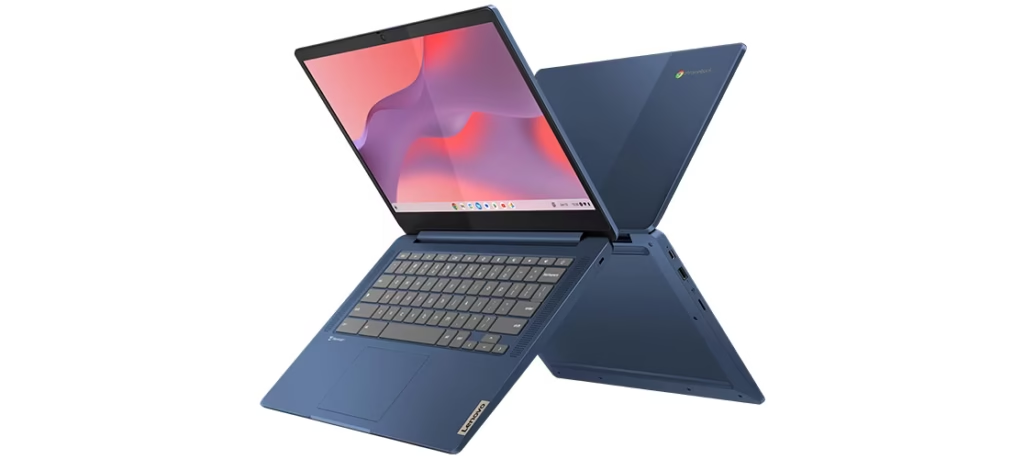
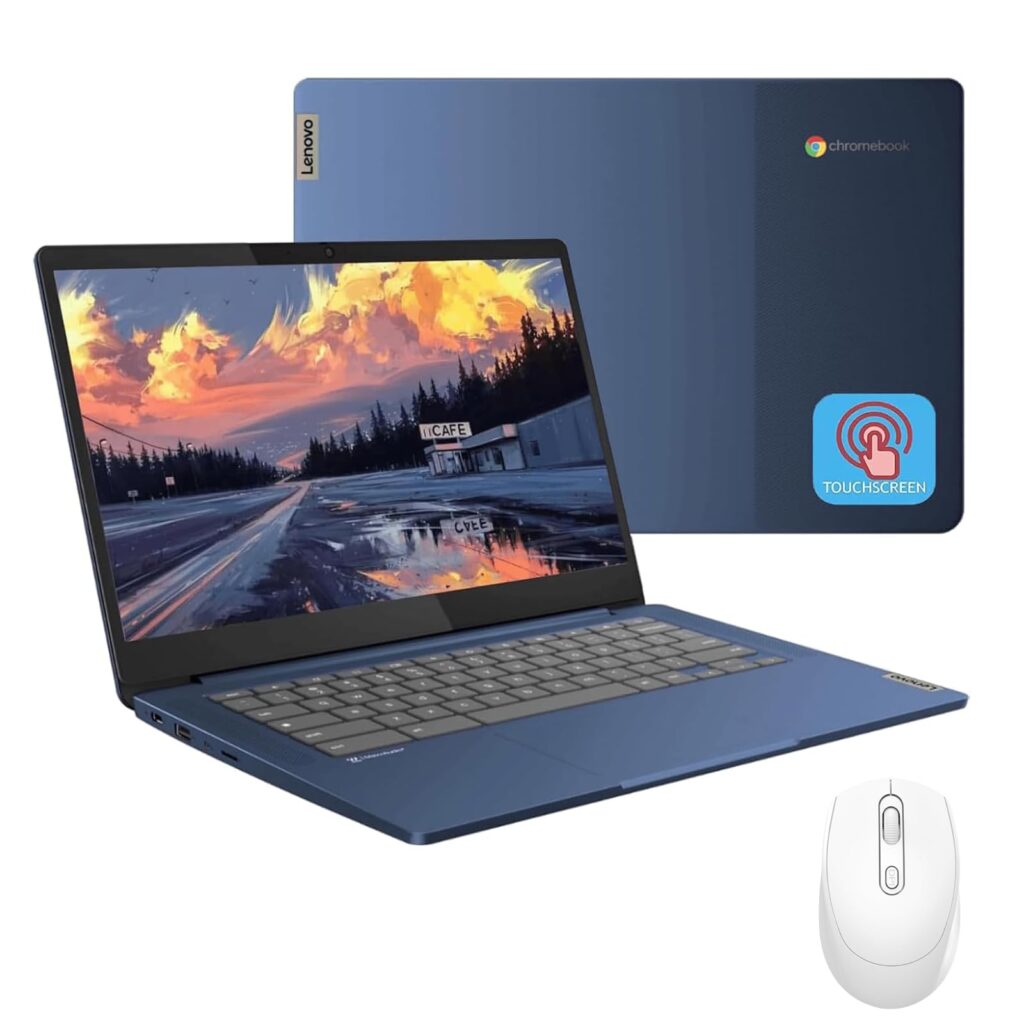
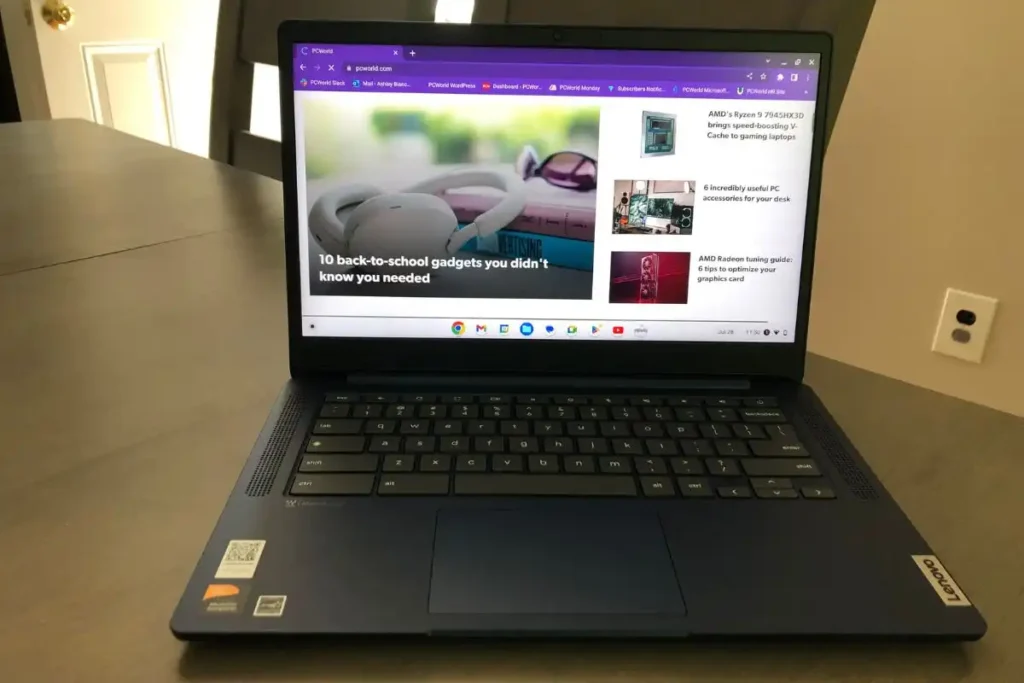
Lenovo has given the IdeaPad Slim 3 a modern, lightweight design that looks premium despite being budget-friendly.
Slim and Lightweight Profile
Weighing just 1.3 kg, it’s one of the lightest laptops in its category. Its slim frame makes it ideal for carrying in a backpack, whether you’re a student moving between classes or a professional traveling for work.
Keyboard and Touchpad Experience
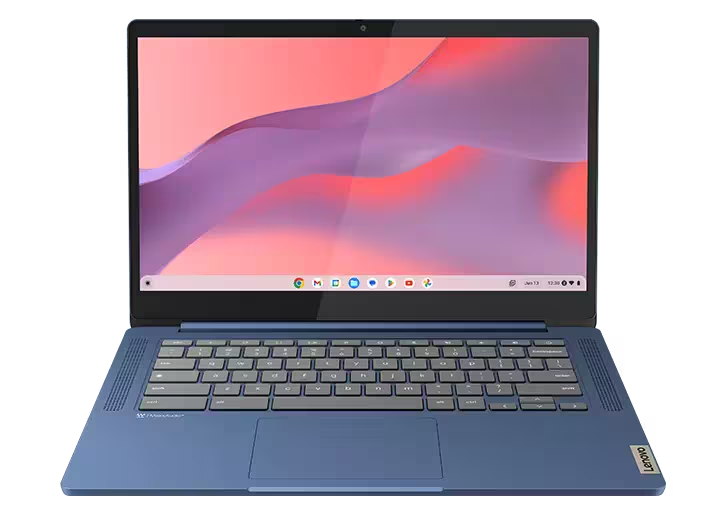
Typing on this Chromebook feels comfortable thanks to Lenovo’s well-spaced keys. The keyboard has a soft, responsive feel, which makes it great for long typing sessions. The touchpad is large, smooth, and accurate—perfect for navigation without needing an external mouse.
Ports and Connectivity
Despite its slim profile, the Slim 3 includes USB-C, USB-A, a microSD card slot, and a headphone jack. It also supports Wi-Fi 6 and Bluetooth 5.1, ensuring stable wireless connections.
ChromeOS Experience
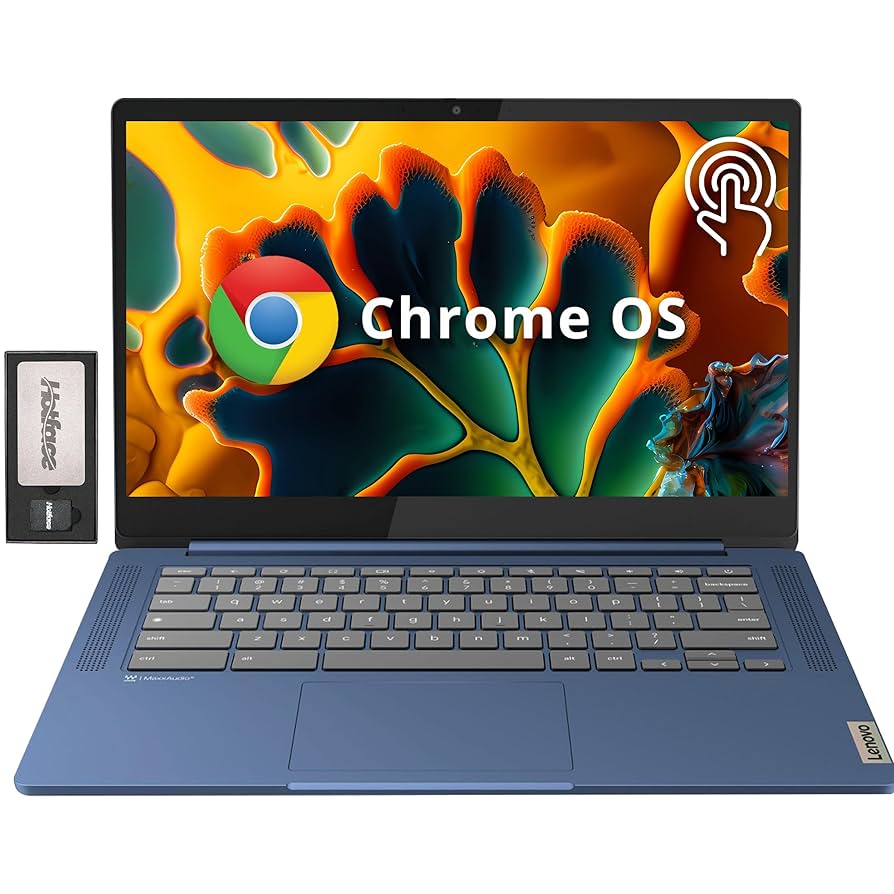
The Lenovo Chromebook IdeaPad Slim 3 runs on ChromeOS, Google’s lightweight operating system built around speed, security, and simplicity.
Google Ecosystem Integration
ChromeOS integrates seamlessly with Google Workspace apps like Docs, Sheets, Drive, and Classroom, making it an excellent choice for students and professionals who already use Google tools.
Security and Updates
One major advantage of Chromebooks is automatic updates. You don’t need to worry about downloading patches manually—Google handles it all in the background. Plus, built-in virus protection ensures your laptop remains safe without needing third-party antivirus software.
Apps and Productivity
Apart from Google’s apps, the Slim 3 also supports Android apps via the Google Play Store. This means you can install apps like Zoom, Spotify, and Microsoft Office directly on the laptop, significantly expanding its usability.
Performance in Daily Use
So, how does the Lenovo Chromebook IdeaPad Slim 3 perform in real-world scenarios? Let’s break it down.
Web Browsing and Multitasking
For everyday browsing, the Slim 3 is smooth and responsive. With 4GB RAM, you can comfortably keep 6–8 tabs open. With 8GB RAM, you can push it to 15+ tabs without major lag.
Media Consumption
Streaming on Netflix, YouTube, or Disney+ is enjoyable thanks to its Full HD screen and stereo speakers. While the speakers aren’t the loudest, they provide clear audio for casual listening. Pairing with Bluetooth headphones gives an even better experience.
Education and Work Suitability
The Slim 3 shines in education and light office work. Students can easily run Google Classroom, attend Zoom calls, and write assignments. Professionals can use it for emails, spreadsheets, and presentations. It’s not meant for heavy software like Photoshop or video editing tools, but it handles everyday productivity perfectly.
Pros and Cons of Lenovo Chromebook IdeaPad Slim 3
Every laptop has its strengths and weaknesses, and the Slim 3 is no different. Understanding these will help buyers make an informed decision.
Pros:
- ✅ Affordable pricing compared to other Chromebooks in its category.
- ✅ Lightweight and portable, making it a great travel companion.
- ✅ Long-lasting battery life (10–12 hours on real use).
- ✅ Full HD display for better media experience than most budget laptops.
- ✅ Seamless Google integration with ChromeOS.
- ✅ Automatic updates and strong security out of the box.
Cons:
- ❌ Limited internal storage (64–128GB).
- ❌ Not suitable for heavy software like video editing or gaming.
- ❌ Plastic build feels less premium than higher-end laptops.
- ❌ Performance dips on the 4GB RAM model with too many tabs/apps.
For most students and casual users, the pros heavily outweigh the cons, especially considering the price point.
Comparison with Other Chromebooks in 2025
The budget Chromebook market is crowded, and Lenovo faces tough competition. Let’s see how the IdeaPad Slim 3 compares with its closest rivals.
Acer Chromebook 315 vs Lenovo Slim 3
The Acer Chromebook 315 offers a larger 15.6-inch display, which makes it better for those who want more screen real estate. However, it’s heavier and less portable compared to the Slim 3’s compact 14-inch size. If portability is a priority, Lenovo wins here.
HP Chromebook x360 vs Lenovo Slim 3
The HP Chromebook x360 comes with a 2-in-1 convertible design, meaning it can also function as a tablet. While that adds versatility, it also comes at a higher price point. The Lenovo Slim 3 is more affordable and better suited for users who don’t need a touchscreen or tablet-style device.
Dell Chromebook 3100 vs Lenovo Slim 3
Dell’s Chromebook 3100 is marketed as a rugged education laptop, built to withstand rough handling. However, it has a lower resolution screen and bulkier design. The Lenovo Slim 3 looks sleeker and provides a better media experience, making it ideal for mixed use beyond just classrooms.
Who Should Buy Lenovo Chromebook IdeaPad Slim 3?
The Lenovo Chromebook IdeaPad Slim 3 isn’t designed for everyone—but it’s perfect for specific users:
- 🎓 Students: Affordable, lightweight, and integrates seamlessly with Google Classroom.
- 💼 Remote workers: Great for emails, video calls, and online productivity tools.
- 📺 Casual users: Perfect for web browsing, streaming, and social media.
- ✈️ Travelers: Slim design and long battery make it a great companion on the go.
If you need a budget-friendly, lightweight laptop for everyday use, this is a strong contender. But if you need advanced performance for creative work or gaming, you’ll need to look elsewhere.
Pricing and Availability
One of the strongest selling points of the Slim 3 is its price-to-performance ratio.
- 💲 The base model with 4GB RAM and 64GB storage starts at around $250.
- 💲 The higher variant with 8GB RAM and 128GB storage is priced at $330–$350.
Availability is wide, as it’s listed on:
- Lenovo’s official website
- Amazon and Best Buy
- Other major electronics retailers worldwide
Given its affordable price, the Slim 3 is one of the best-value Chromebooks of 2025.
FAQs
1. Is Lenovo Chromebook IdeaPad Slim 3 good for students?
Yes! It’s lightweight, affordable, and perfectly integrated with Google Classroom and other student-friendly apps.
2. Can I install Windows on it?
No, Chromebooks run on ChromeOS. They aren’t designed for Windows installation.
3. Does it support Android apps?
Yes, you can download apps directly from the Google Play Store.
4. How long does the battery last?
On average, it provides 10–12 hours of usage depending on screen brightness and workload.
5. Is it good for video editing or gaming?
Not really. It’s designed for light productivity and media use, not heavy tasks.
6. Does it come with Microsoft Office?
It doesn’t come pre-installed, but you can use Microsoft Office Online or install Android versions of Word, Excel, and PowerPoint.
7. Can I use it offline?
Yes! ChromeOS supports offline apps for Docs, Gmail, and even YouTube downloads.
8. Is the 4GB RAM model enough?
For light browsing and single-task use, yes. But if you multitask or keep many tabs open, go for the 8GB version.
Conclusion
The Lenovo Chromebook IdeaPad Slim 3 is a standout budget Chromebook in 2025. With its lightweight design, long-lasting battery, and reliable ChromeOS performance, it’s a laptop that delivers far more value than its price suggests.
It’s not built for power-hungry tasks, but for students, professionals, and casual users, it offers everything you need at an affordable cost. If you’re in the market for a reliable Chromebook under $350, the Lenovo Slim 3 is one of the best options available today.
👉 To explore more details and purchase options, visit Lenovo Official Store